What's inside Conferras
Every networking tool, in one branded app.
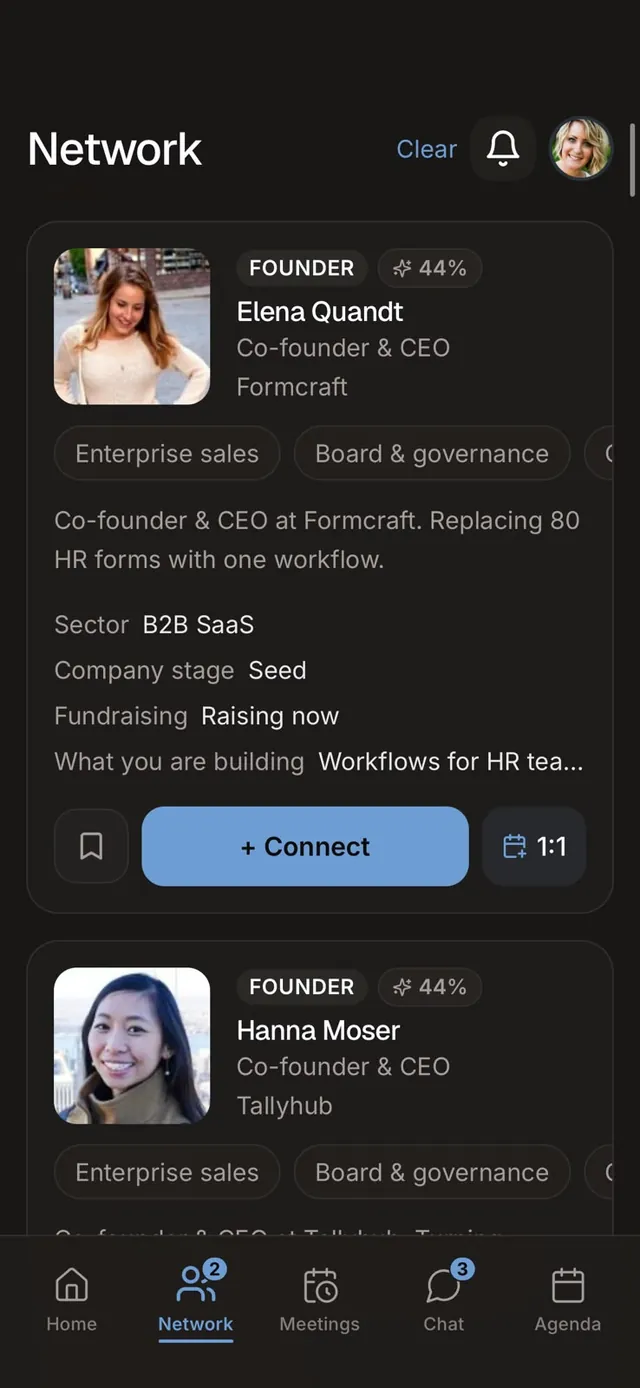
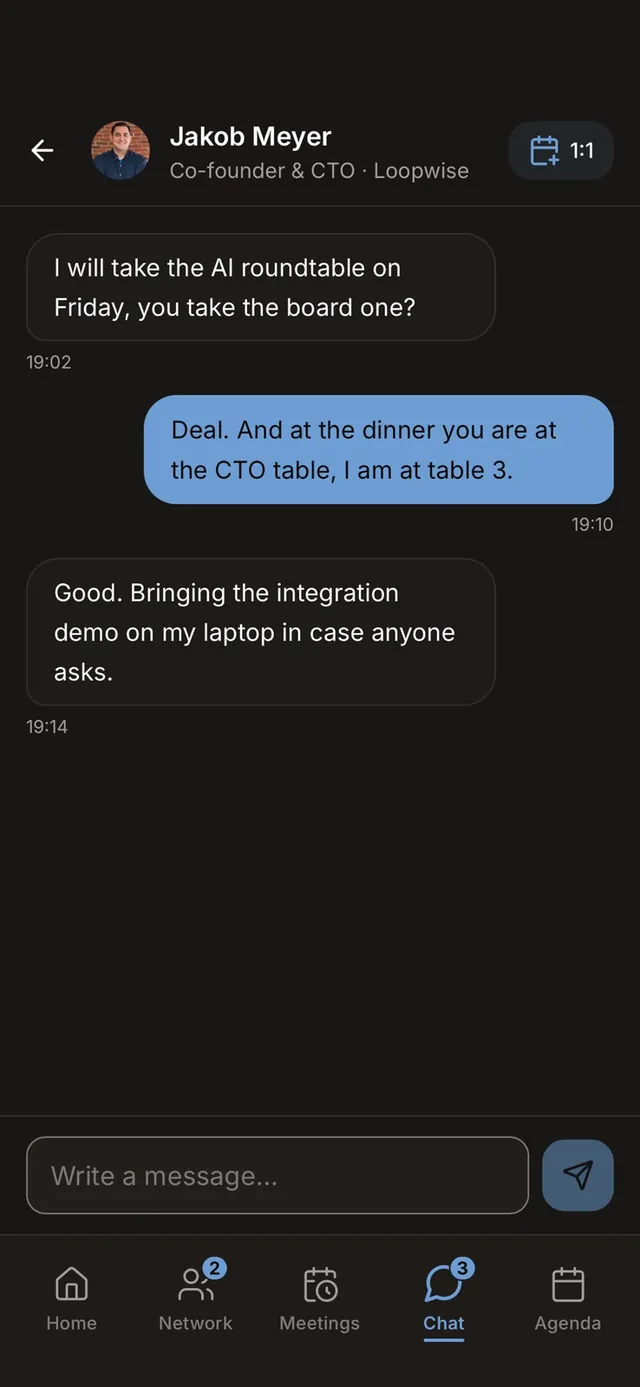
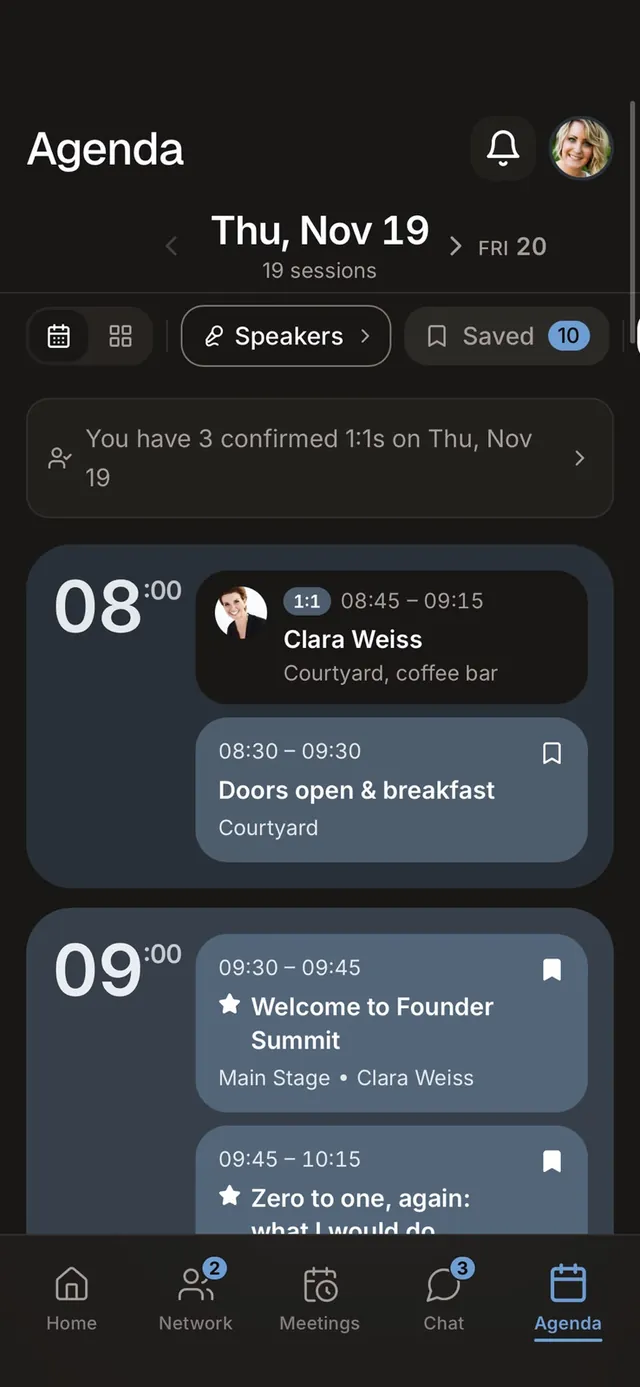
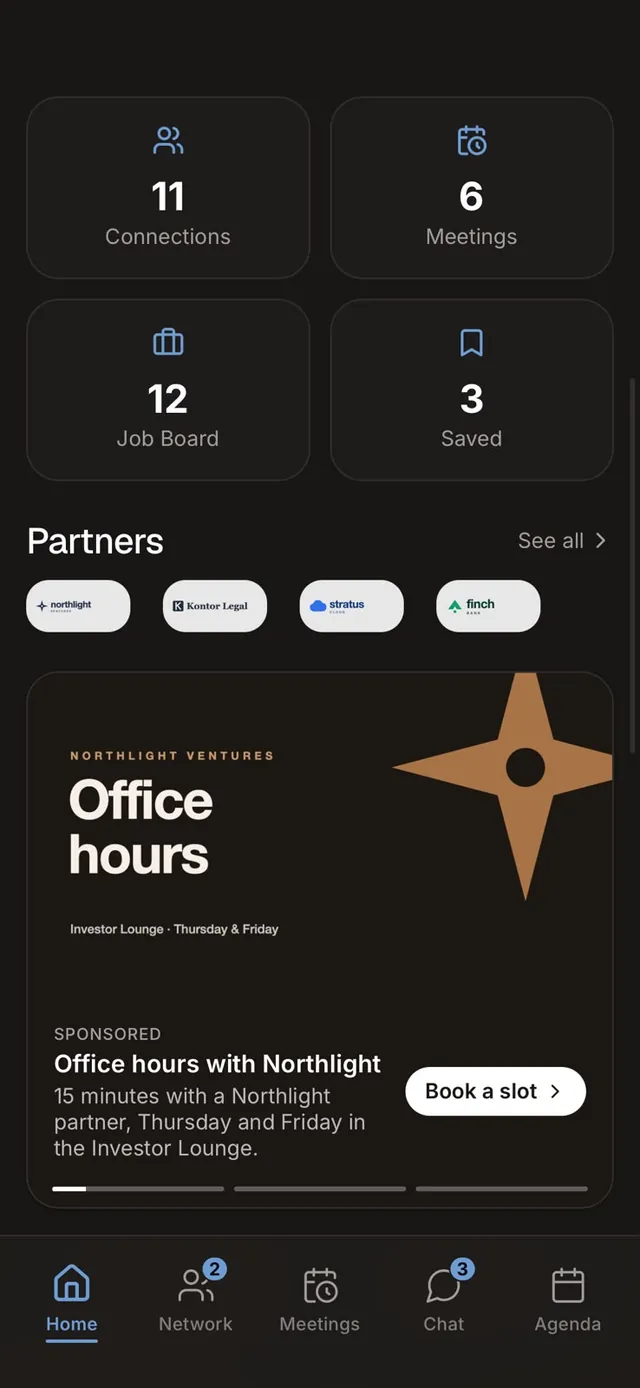
01 / 04
AI matchmaking
Ranks the right people by interests, industry and what they are looking for, and shows the reason.
A lighter alternative to Whova
Whova is engagement-first: personalised agendas, live polls, a community board and a free attendee app. Organizers search for a Whova alternative when structured networking matters more, because Whova's matchmaking is closer to a directory with messaging. Conferras ranks matches with AI, books 1:1 meetings and opens without a download.
Trusted by organizers of conferences, summits and startup events










Where Conferras fits
Whova combines its event app with online registration, event marketing and organizer tools. Attendees download the app and look up their event, and reviewers single out its agenda handling. Conferras puts structured meetings at the center instead, delivers the app through a private link and publishes its prices per event.
| Feature | Conferras | Whova |
|---|---|---|
| Pricing model | ConferrasPay per event · €89 / €399 / €899, custom above 3k | WhovaNo official rates; quote via Whova sales |
| Attendee access | ConferrasPWA · one link, add to home screen, no app store | WhovaAttendees download the native app and locate their event |
| Setup | ConferrasSelf-serve · no demo call or procurement required | WhovaSales-led |
| Branding | ConferrasFully customizable | WhovaCustomizable |
| Networking | ConferrasAI matchmaking on every plan, 1:1 meetings, real-time chat | WhovaAttendee directory, community board and messaging; no structured matchmaking engine marketed |
| Event surfaces | ConferrasAgenda, stories, sponsors, push notifications | WhovaAgenda, live polls, Q&A, gamification, business-card scanning, registration |
| Contracts | ConferrasNo annual contract, no seat math | WhovaNot published |
| Hosting | ConferrasEU-hosted infrastructure | WhovaU.S. based, EU-U.S. Data Privacy Framework |
Whova is strongest on engagement tools; the rows here focus on networking, access and price.
Why organizers choose Conferras
For organizers who want structured meetings, not only a directory and a message board.
Skip the sales cycle. Agenda import, guest list import and a launch checklist get the event ready without a call.
No searching an app store for the right event. The link opens your event, and only your guest list gets in.
The app carries your name and icon on the home screen, with an event subdomain on every plan.
Prices you can read today, per event, with no quote needed.
Ranked matches with reasons, then chat and 1:1 meetings, instead of scrolling a directory.
Scheduled broadcasts with push and a Today panel keep the event day under control.
What's inside Conferras
Switching triggers
Whova serves engagement-heavy events well, and its free attendee app helps adoption. The reasons organizers look further are usually about networking depth, data location and price visibility.
Whova quotes on request, and the estimates found online are not official. Conferras shows the cost of your event on the pricing page before anyone gets in touch.
Whova attendees download the app and search for their event. Conferras guests tap the invitation or scan the QR code and land in your branded event directly.
Whova is sales-led. Conferras lets the organizer import the agenda and guest list, follow the launch checklist and schedule broadcasts without waiting for a call.
Pricing transparency
Whova does not publish prices, and the dollar figures that circulate online are third-party estimates, not official rates. A quote is the only firm number. Conferras puts four per-event tiers on its pricing page.
| Cost & access | Conferras | Whova |
|---|---|---|
| Published price | ConferrasYes, EUR 89 / EUR 399 / EUR 899 per event | WhovaNo, quote on request |
| Attendee access | ConferrasPrivate link or QR code, opens in the browser | WhovaDownload the app and locate the event |
| Matchmaking | ConferrasAI score and reason, 1:1 meetings with conflict check | WhovaDirectory, community board and messaging |
| Engagement tools | ConferrasStories, scheduled broadcasts with push, agenda bookmarks | WhovaLive polls, Q&A, community board, gamification |
| Agenda | ConferrasBy stage, with bookmarks and calendar export | WhovaPersonalised agenda with session alerts |
| Hosting | ConferrasEU-hosted, GDPR | WhovaU.S. based, EU-U.S. Data Privacy Framework |
Whova facts reflect whova.com in September 2026. Because Whova publishes no rates, any number you find elsewhere should be checked with Whova directly.
Conferras at a glance
Matchmaking and meetings first, delivered through a link your guests already have.
Simple pay-per-event pricing
Up to 250, 1,000 or 3,000 attendees, with full branding on every tier.
Up to 250 attendees
€89per event
Choose Starter3,000+ attendees
Custom
Talk to usPrices per event, excluding VAT. Speakers without their own account don't count as attendees. Free self-serve test event for up to 10 accounts.
Try it live
Your brand comes first, not ours. Rename the app, pick an accent color and upload your hero image, the preview reflects each edit immediately.
Live preview — nothing you enter is saved. Tap through the tabs on the phone.
FAQ
Wider comparison
Ten event networking apps in one neutral table: pricing model, setup, attendee access, branding, matchmaking, meetings, hosting and app install.
No downloads. No annual contract. One link and your event community app is live.