

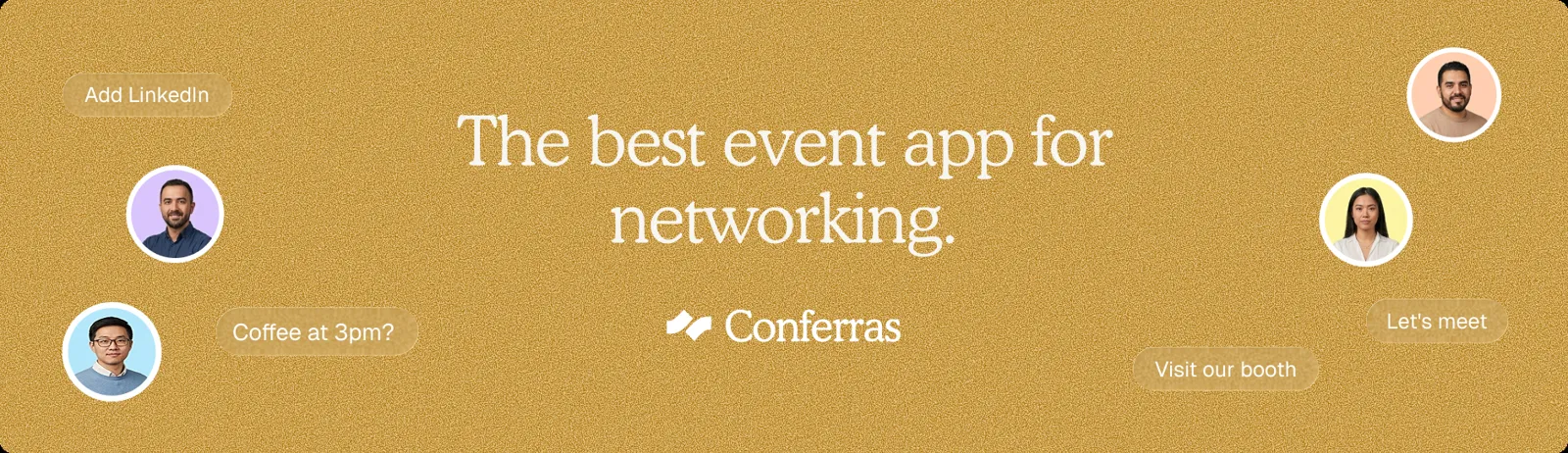
Your simple networking app for conference guests. If you have ever organized a summit or industry meetup, you know the single biggest complaint from guests. They came to meet the right people, but they spent half their time standing in line for lukewarm coffee instead. People do not travel across the country just to watch slides. They want meaningful conversations that lead to deals, partnerships, or new hires. Yet, setting up a system for guests to browse guest profiles and schedule chats quickly often feels like a giant headache.
Most software on the market is far too complex. You do not need a bloated platform that takes six weeks to configure and costs five figures. You just need a practical networking app that works instantly without annoying your attendees. In this guide, we will look at why traditional event networking breaks down, what features actually matter, and how Conferras offers a refreshing alternative that keeps costs low and setup painless.
Why Traditional Event Networking Breaks Down
Think about how networking usually happens at live business events. Attendees show up, look around a crowded room, and guess who might be worth talking to. They read name tags from uncomfortable distances. They hand out paper business cards that end up lost at the bottom of a tote bag or washed in a pair of jeans.
When organizers try to solve this with software, they often make things worse. They pick heavy event platforms that require attendees to download a massive native mobile app from an app store. Guests forget their passwords, get frustrated by mandatory 20-step profile forms, and give up before sending a single message. When adoption drops, networking fails completely.
To make connection building work, you must remove every bit of friction. Guests should be able to open a single link, look at who is in the room, and send a meeting request in seconds. If the process takes longer than ordering a coffee, most guests will skip it entirely.
What Conference Guests Actually Need in a Networking App
When you evaluate software for your next summit or conference, ignore the flashy marketing gimmicks. Your guests do not need custom virtual avatars or complicated 3D floor maps. They want a straight-forward tool that helps them accomplish three simple tasks fast.
Quick Profile Browsing: Guests want to scan concise profiles, filtered by industry, job role, or specific interests.
Direct 1:1 Messaging: Once they spot an interesting contact, they need a simple chat feature to say hello without sharing personal phone numbers.
Frictionless Meeting Scheduling: Booking a 10-minute coffee chat or a formal sit-down meeting should take just two taps on a screen.
When your technology handles these core tasks clearly, participation skyrockets. Attendees leave your event feeling like they gained massive value because they made real connections without wasting time.
Key Features of Conferras: The Simple Networking Solution
We built Conferras specifically to eliminate event technology clutter. Instead of forcing you through weeks of onboarding calls, we offer an affordable event platform that you can launch in minutes. Here is how our networking app fixes the broken connection experience for conference guests.
1. One-Link Instant Access
Nobody wants to install another native mobile app just for a two-day event. With Conferras, attendees access your branded web app through a single link or QR code. They do not need to hunt through an app store or remember complicated login credentials. It works instantly on any smartphone browser, making participation effortless.
2. Smart AI Matchmaking
Browsing through hundreds of attendees manually takes forever. Conferras uses intelligent AI matching algorithms to connect guests based on shared business goals, industries, and interests. Instead of scrolling blindly, your guests get a curated list of high-value matches right away. For a deeper breakdown of how artificial intelligence improves attendee interaction, check out our guide on AI event matchmaking.
3. Real-Time Chat and 1:1 Meeting Booking
Once attendees find a strong match, they can immediately open a chat window. If they want to meet in person, they can propose a time slot directly within the app. The schedule syncs seamlessly with their personal agenda, ensuring nobody double-books or misses a meeting. To see how this fits into lightweight event setups, read our article on affordable app solutions for 200-person summits.
4. Integrated Live Agenda
Networking does not happen in a vacuum. Guests need to know when keynote speeches start or when break sessions begin so they can plan their chats around the schedule. Conferras combines your full event schedule and attendee profiles into one sleek interface. Your guests never have to toggle between multiple websites or paper schedules.
Comparing Event Networking Approaches
To help you decide which approach fits your budget and audience, let us compare traditional legacy event platforms against lightweight web apps like Conferras.
Feature / Aspect | Legacy Enterprise Apps | Conferras Web App |
|---|---|---|
Access Method | App store download required | Instant access via single web link or QR code |
Setup Time | Several weeks with dedicated account manager | Under 15 minutes, fully self-serve |
Basic manual search or static filters | Instant AI matchmaking based on attendee profiles | |
Pricing Tier | High cost, multi-thousand dollar contracts | Affordable, budget-friendly plans |
Guest Adoption Rate | Often low due to app store friction | High due to zero-install access |
 ChatGPT
 Claude
 Gemini
 Perplexity